
Product tour

See LAISO

  1. LAISO app screenshot: Welcome
    01

    Welcome

    Sign in, or join with an invite code.

  2. LAISO app screenshot: Check in
    02

    Check in

    One tap, and the day begins.

  3. LAISO app screenshot: Who's in
    03

    Who's in

    Your whole team, at a glance.

  4. LAISO app screenshot: Shifts
    04

    Shifts

    Split and custom shifts, kept in order.

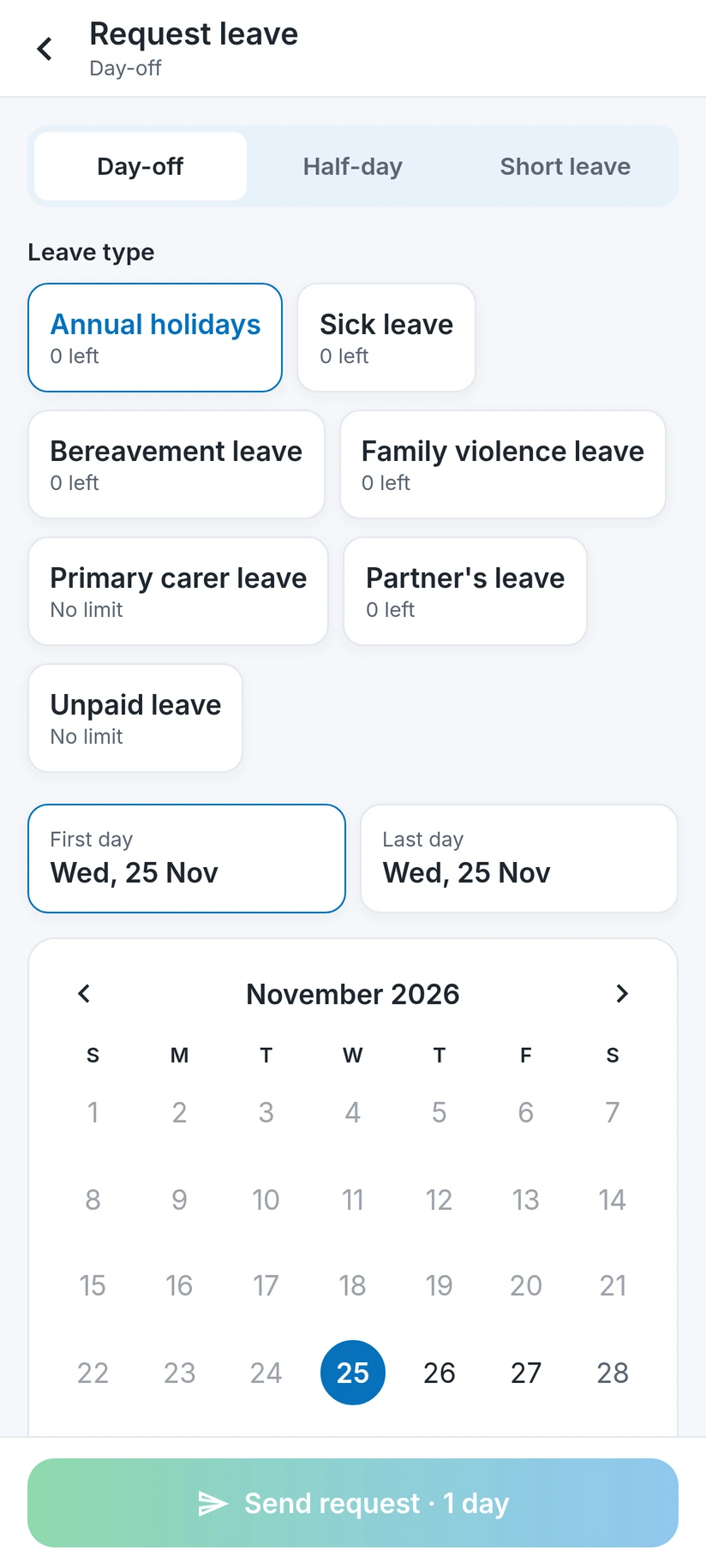
  5. LAISO app screenshot: Leave
    05

    Leave

    Pick the dates. Send the request.

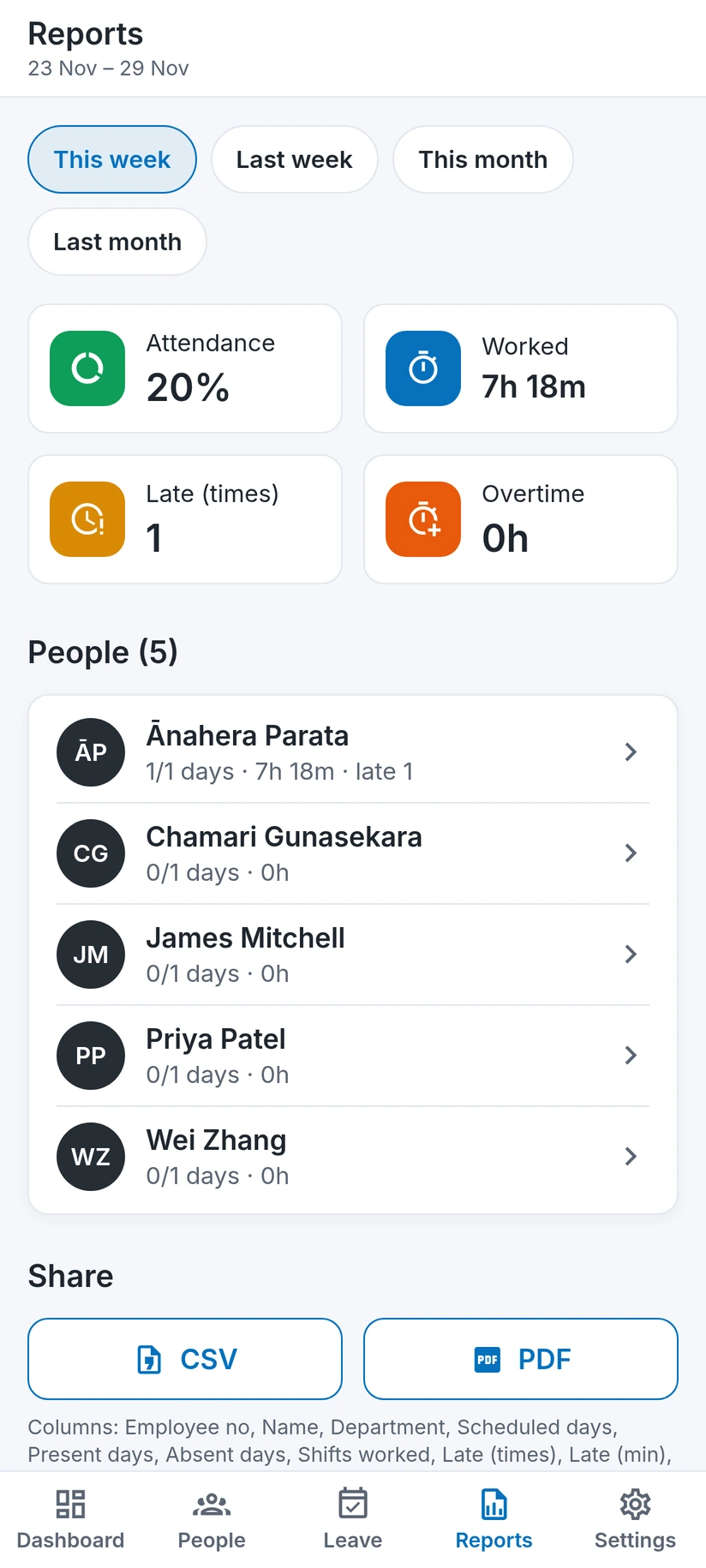
  6. LAISO app screenshot: Reports
    06

    Reports

    Weekly and monthly, ready to export.

Create a free company accountSign in

Get the app

Android

Download for Android
  1. Tap Download and open the file.
  2. If Android asks, allow Install unknown apps for your browser or Files app.
  3. Tap Install.
  4. Open LAISO and sign in with your account.

iPhone

Open LAISO web app
  1. Open the link in Safari.
  2. Tap Share.
  3. Tap Add to Home Screen.
  4. Open LAISO from your home screen.

Windows

For owners and admins: manage your team from a PC.

Download for Windows
  1. Click Download for Windows and open LAISO-Setup-Windows.exe.
  2. If Windows shows “Windows protected your PC”, click More info, then Run anyway.
  3. Follow the setup. Open LAISO Admin from the Start menu or desktop.
  4. Sign in with your owner or admin account.