Clock in by phone
Choose whether staff can check in anywhere or only on site.


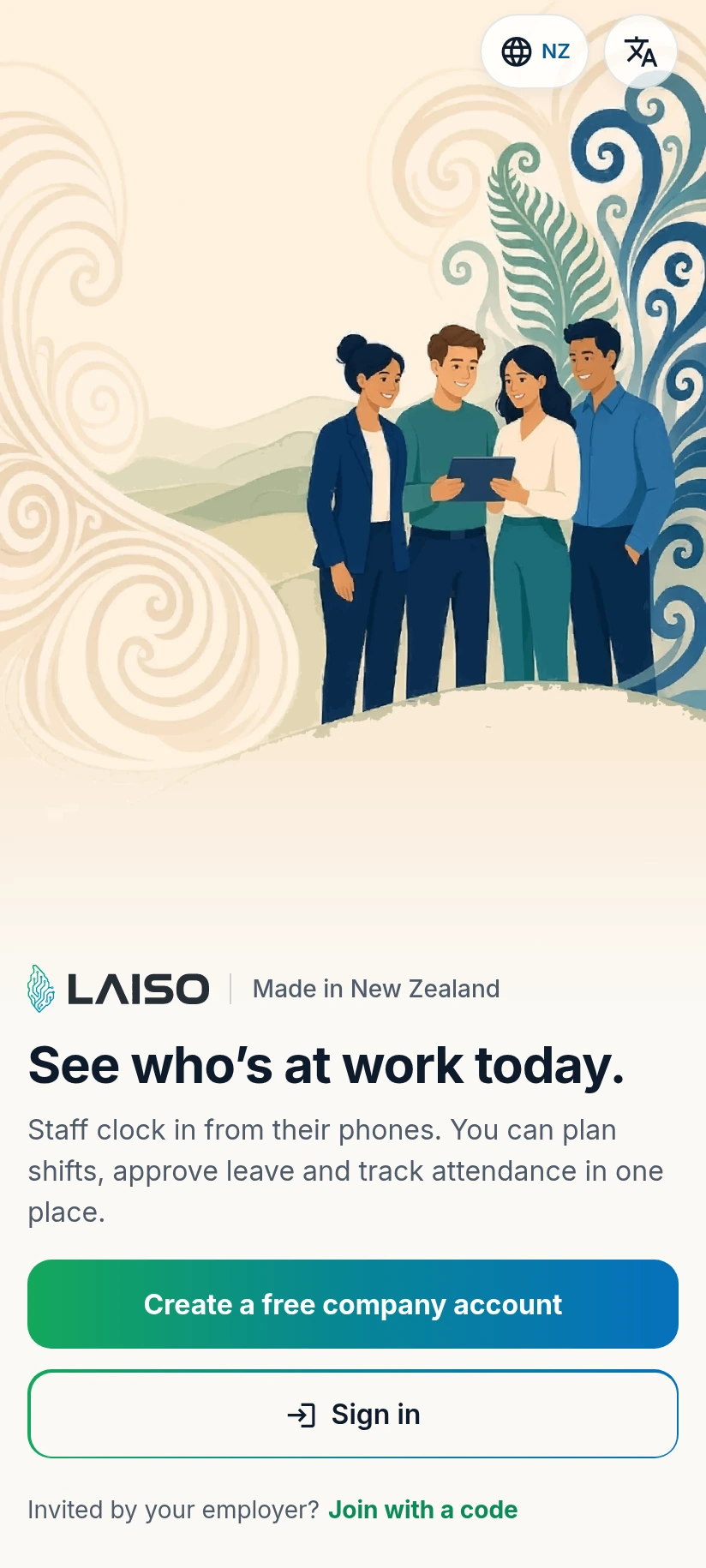
 Made in New Zealand
Staff clock in from their phones. You can plan shifts, approve leave and track attendance in one place.
Invited by your employer? Join with a code
Take the product tourChoose whether staff can check in anywhere or only on site.
Check who’s present, late or on leave as you plan the day.
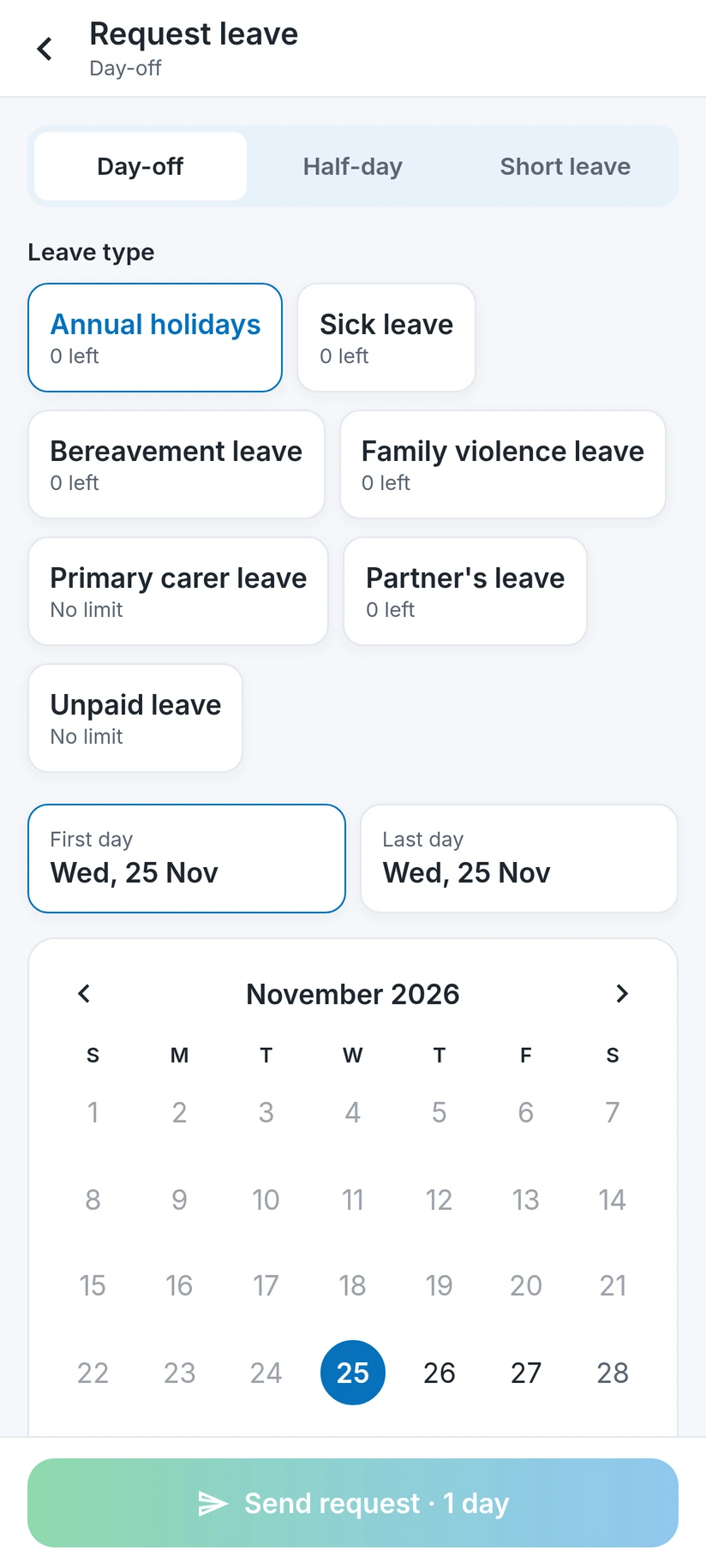
Leave balances update as soon as you approve a request.
Keep day shifts, night shifts and split shifts on one team schedule.
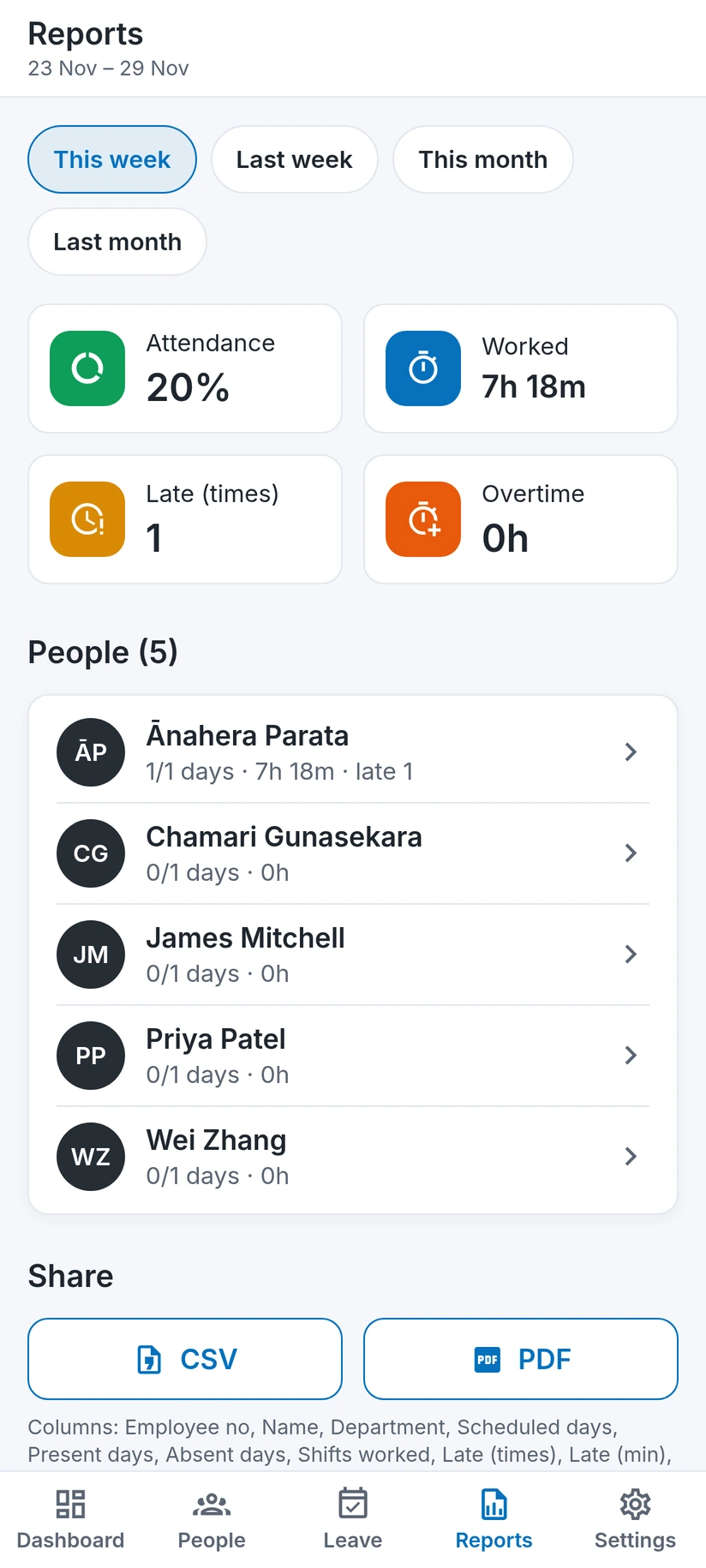
Download weekly or monthly reports of the hours staff worked.
Fix a missed clock-in and keep a record of what changed.
Your country’s holidays and leave settings are ready when you start.
Give staff an invite code so they can join from their phones.
See who’s at work, plan team shifts and approve time off.
Work out each person’s pay using recorded hours and approved leave.
Record sales, create invoices and keep track of your stock.
Track what your business earns and spends in one place.

Check in and view your shifts.
Download for AndroidRequest leave from your browser.
Open in browserReview attendance on your computer.
Download for Windows
Sri Lanka, India, the Maldives, the United Arab Emirates and New Zealand.
Yes. Lite is free to use, for good, for up to 5 employees who mark attendance. It does not include reports.
Only if they mark attendance.
Yes. A company that has never paid can try Standard, Pro or Premium free for 30 days, once. The 30 days start after the first check-out that lasts more than 2 hours. When the trial ends, you can subscribe or, if you have 5 employees or fewer, continue on Lite. Your data is kept.
First-time monthly subscribers pay 50% off for the first 3 months, then the regular monthly price. Annual plans are paid once a year at 15% off 12 months. That yearly discount stays for as long as you keep the annual plan. The first-time monthly offer does not apply to annual billing. The price you see is the amount you pay: all taxes and charges are included.
You pay securely through Paddle. Sri Lanka, the Maldives and the UAE are billed in US dollars (USD). India is billed in Indian rupees (INR). New Zealand is billed in New Zealand dollars (NZD).
Yes. Moving to a higher plan, or from monthly to annual, starts straight away and Paddle charges the difference for the rest of the current period. Moving to a lower plan, or from annual to monthly, starts at the end of the period you have already paid for, and you can undo that change until then. If you cancel within 30 days of a paid plan starting, access ends at once and the LAISO team processes your money-back refund. After 30 days, you keep access until the end of the paid period and there is no refund.
By email. SMS notifications can be activated on request. Charges apply.
At setup, LAISO fills in your country's holidays, working week and leave defaults, with sources shown. It is a guide, not legal advice, and you can change every setting to match your business.
They are being built now and will appear in the same app.
Android phones with the LAISO app, iPhone and iPad with the web app in a browser, and Windows PCs with LAISO Admin for owners and admins. The Windows app does not include check-in or check-out.
Ask about plans, setting up your team or using the app.